5 min read
How much time does your office spend answering email? Do the math
A practical guide to measuring, in one week and with no new tools, how much time your office spends answering email.
Few offices know how much time they spend answering email. The number doesn't appear in the annual activity report or in the staffing plan. But it's there every day, spread across several people and many short breaks between the front desk, the phone and the inbox.
This article suggests a simple way to measure it. It takes a week, needs no new tools and gives you a number your office can use to decide what to change.
What the studies say
The general figures give a sense of scale. According to Microsoft's 2025 Work Trend Index, a worker receives 117 emails a day on average. In 2012, the McKinsey Global Institute estimated that office workers spend about 28% of their working week reading and answering email.
These are averages across many sectors and countries, and they say nothing about any one office. A public service looks different. Much of its email comes from citizens, students or service users, and many of them ask similar questions: deadlines, documents, fees, opening hours, certificates. That's why it's worth measuring your own office's numbers rather than relying on an average.
An example to see how the math works
Before measuring, an example of how the math works. The numbers are illustrative: they weren't measured at any office.
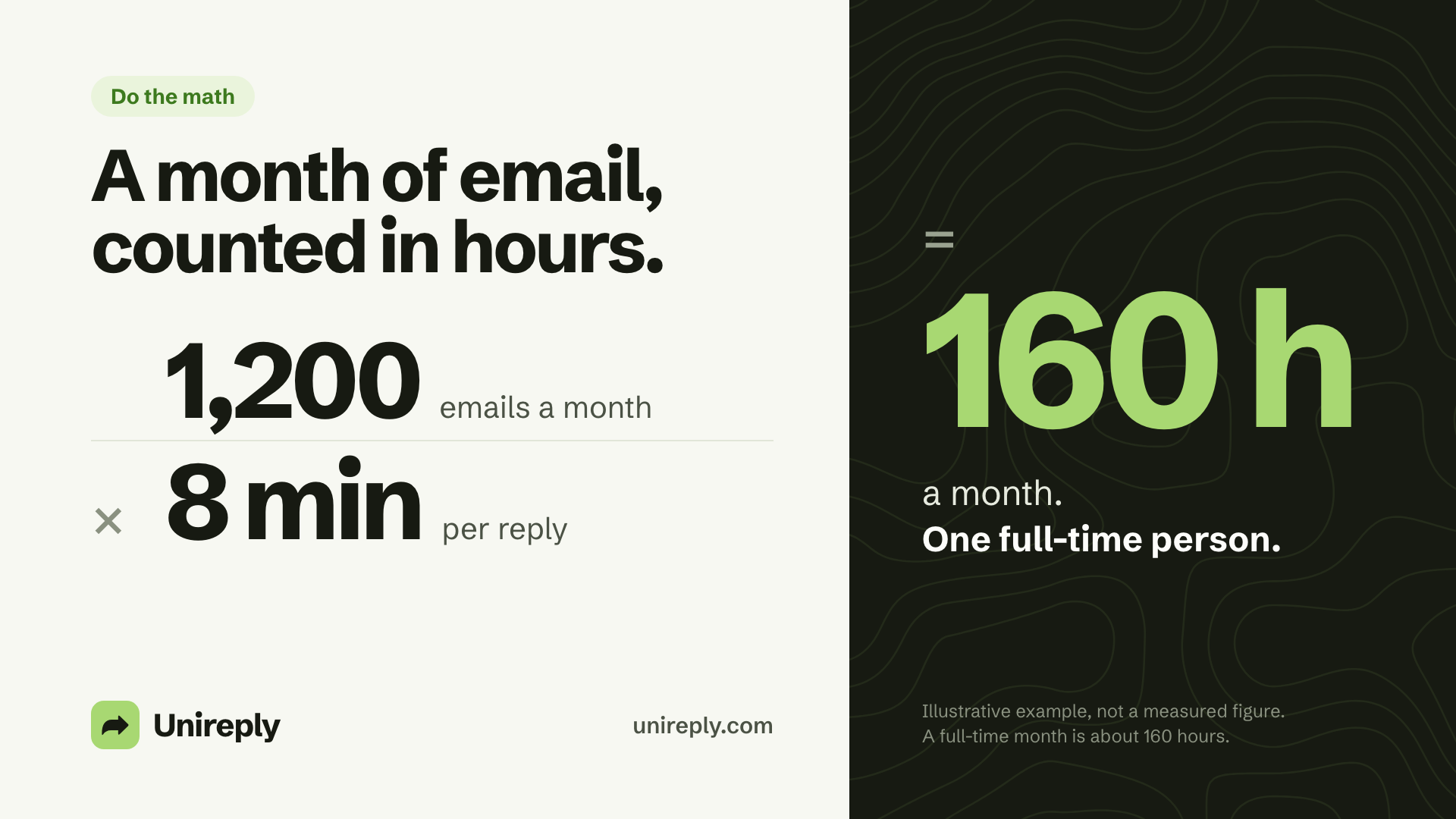
- Emails that need a reply: 1,200 a month.
- Average time per reply: 8 minutes.
1,200 × 8 = 9,600 minutes, or 160 hours a month. That's the working time of one full-time person, doing nothing but answering email.
Change the numbers and the result changes fast. With 600 emails a month and the same 8 minutes, it's 80 hours, half a person. With 1,200 emails and 5 minutes per reply, it's 100 hours. The math is simple. The hard part is getting the two numbers right, and that's what measuring is for.
How to measure your office's numbers, in 5 steps
1. Pick a normal week
Avoid weeks with public holidays or with half the team on leave. If you can, repeat the measurement later in a busy period, such as applications and enrollment or a payment deadline. Together, the two results show the low and the high of the year.
2. Count the emails that need a reply
In the office's inbox, or in the shared inboxes, count the emails received from Monday to Friday. Leave out newsletters, spam, automatic replies and emails you were only copied on. What's left is the number that matters: the emails someone has to answer.
3. Sort them by type
Use 5 to 8 simple categories, for example:
- deadlines and calendars;
- documents to submit;
- payments and fees;
- appointments and opening hours;
- requests for statements or certificates;
- other.
Also mark how many ask a question that already has a written answer, in a regulation, on a page of the website or in an old email. This number tells you how much of the work is repeated.
4. Time 10 replies
Pick 10 emails of different types, including some of the hardest. Time it from when you open the email until you click send, with everything in between: searching the regulation, opening the table, asking a colleague, waiting for their answer. Note separately how much of that time went into searching and how much into writing. At the end, take the average.
5. Do the math
Emails per week × average minutes per reply ÷ 60 = hours per week. Multiply by 4.3 to get the monthly figure. If you want the cost, multiply the hours by what an hour of the team's work costs.
Three things to watch so the number comes out right:
- Count every inbox. If part of the team replies from personal inboxes, the emails that arrive there count too.
- Don't pick only the easy ones. If the 10 timed replies are all simple, the average ends up below reality.
- Count the back-and-forth. An email that takes two or three exchanges to resolve counts as two or three replies.
One extra step, if there's time: note when each email arrived and when it was answered. That way you also learn how long the people on the other side wait.
Where the time goes
Our team followed the work of an academic office at a Portuguese university up close. We learned that writing the reply is usually the quick part. What takes longer happens before:
- Finding. The answer is in a long regulation, somewhere between the articles and the annexes, or in a table of deadlines and fees.
- Checking. Is the table this year's? Has the deadline changed? Has the regulation been revised since last time?
- Asking. When the answer depends on someone who is on leave or in another meeting, the email waits.
- Rewriting. Often someone on the team has already written a good answer to the same question. But no one can find it, so it gets written again.
That's why, when you time the 10 replies, it's worth separating the time spent searching from the time spent writing. In many offices, the surprise is in the searching.
What to do with the number
With the hours per month and the list of types, the office has a concrete argument for deciding what to do. Some measures cost nothing:
- An FAQ page with the 10 most repeated questions, on the website and in the email's automatic reply.
- Template replies shared by the team, kept in one place and reviewed whenever a regulation changes.
- A single folder with the current versions of regulations, guides and tables, so no one replies with last year's version.
Tools like Unireply help with the searching. The draft arrives already written, from the office's own documents and past replies, and each sentence shows the source it came from. Before the AI reads the email, names, contact details and ID numbers are replaced with placeholders. And the person who reviews and decides what gets sent is still someone on the team.
Do the math with your numbers
If you already have the two numbers, the calculator on our website works them out in hours per week, full-time people and hours per year: .
Sources
- Microsoft, Work Trend Index 2025, "Breaking down the infinite workday": https://www.microsoft.com/en-us/worklab/work-trend-index/breaking-down-infinite-workday
- McKinsey Global Institute, "The social economy: Unlocking value and productivity through social technologies", July 2012: https://www.mckinsey.com/industries/technology-media-and-telecommunications/our-insights/the-social-economy